
How Can We Help
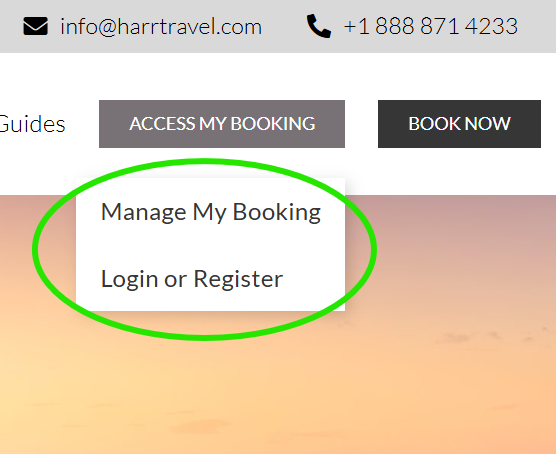
How to Log In to Harr Travel
Your guest account gives you a single place to review confirmations, travel documents, and make payments on your own.
Here’s how to get in:
- Go to https://booking.harrtravel.com/web/customer/login.aspx
- Enter the email address on file with your Harr Travel account, along with your password.
- First time logging in? Choose “If you don’t have an account? Click Here” and use the email address from your booking confirmation to link your existing reservations automatically.
- Forgot your password? Select “Reset Password” and a reset link will be sent to your email within a few minutes.
- You can also access your booking with just the cruise line Confirmation Number and your name by clicking on “Manage My Booking”
Still stuck? Don’t worry about the confirmation number – just call us at 1-888-871-4233 and our team will pull up your account and get you sorted.
Managing an Existing Booking
When you first log in and open your booking or search for it with Manage My Booking, you will be presented with a short trip summary. At the bottom of that screen click View More Details to open your full booking.
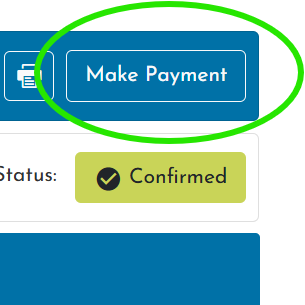
Once in your booking, review your reservation details. To make a payment, in the upper right click Make Payment, then follow the payment prompts.
Need to change a cabin, add air, or request a special occasion note for the dining room? Just reply to any email from your advisor or call us directly – changes to an existing booking are always handled by us personally.
We’d Love to Hear From You
Whether you have a quick question or a big trip to plan, a member of our team is ready to help – by phone or by e-mail.
Call or Email Us
1-888-871-4233
info@harrtravel.com
